How far will your grief take you?
Year:
2025
Timeframe:
5 Months
Tools:
Unreal Engine, Blender
Category:
Stealth Horror Game
Overview
Synopsis
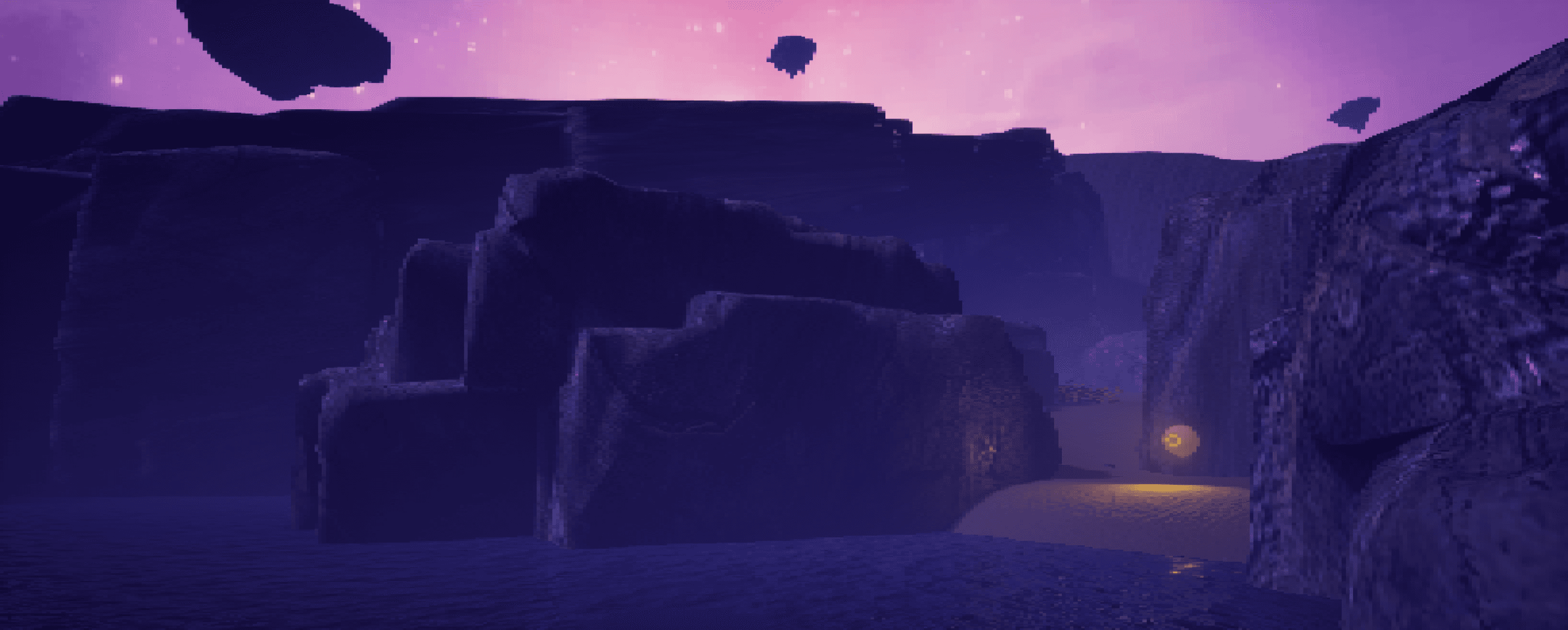
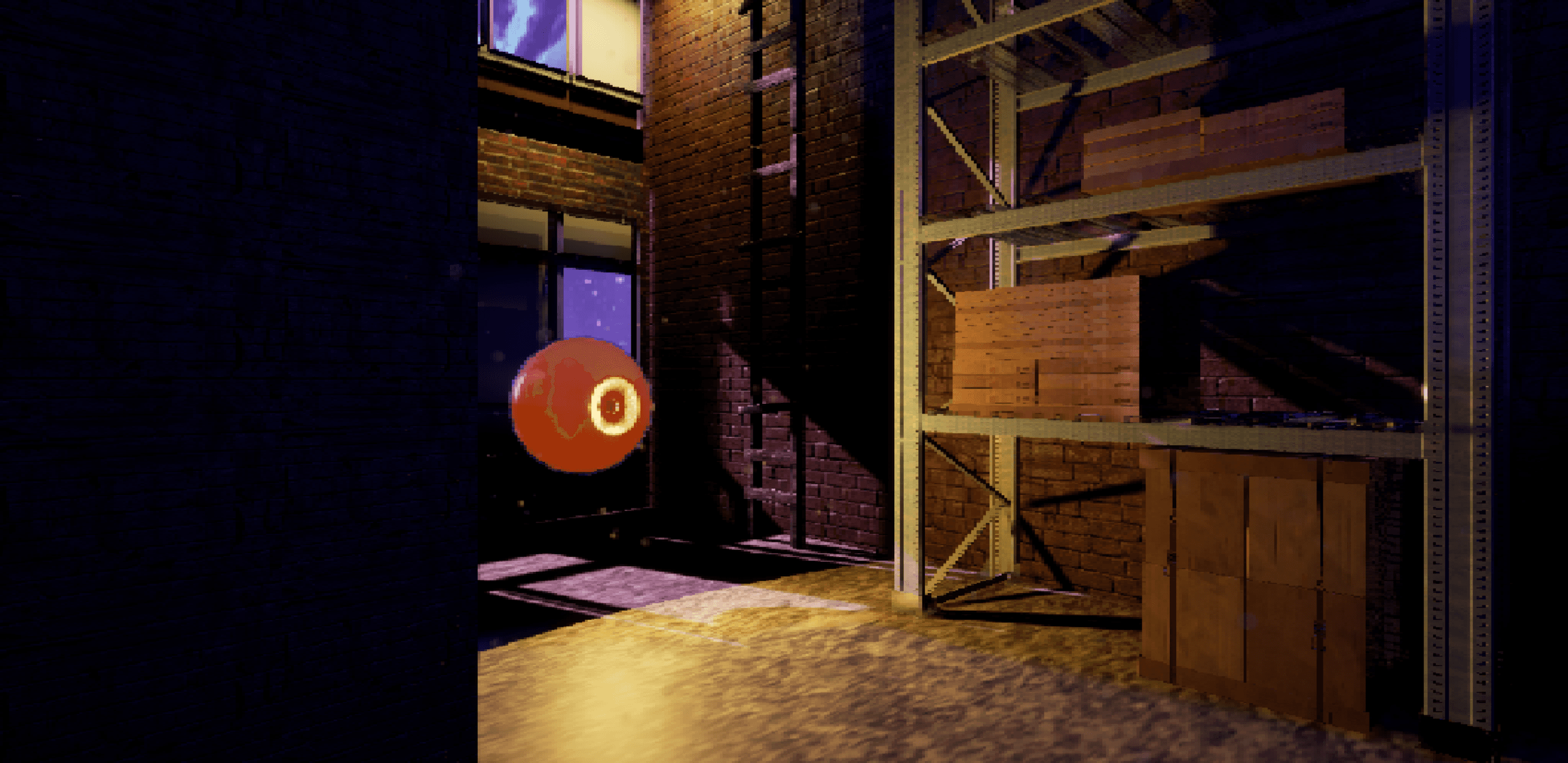
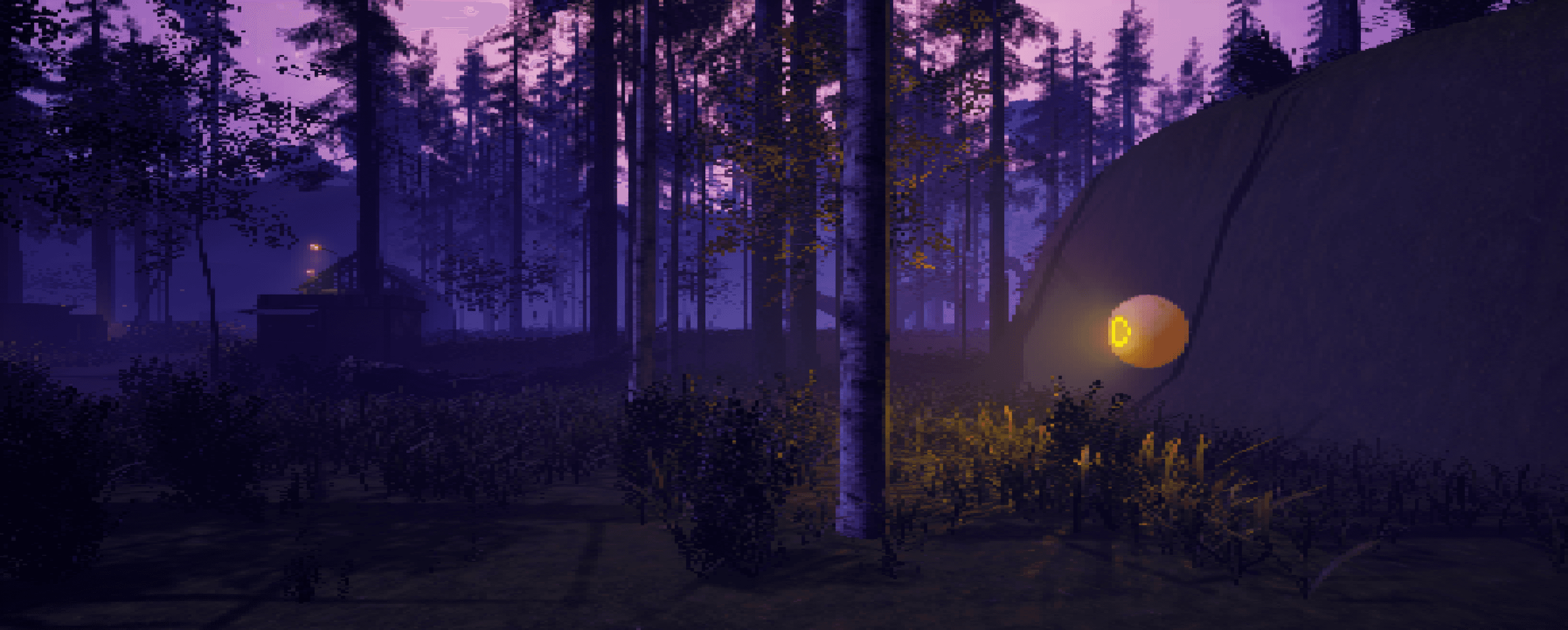
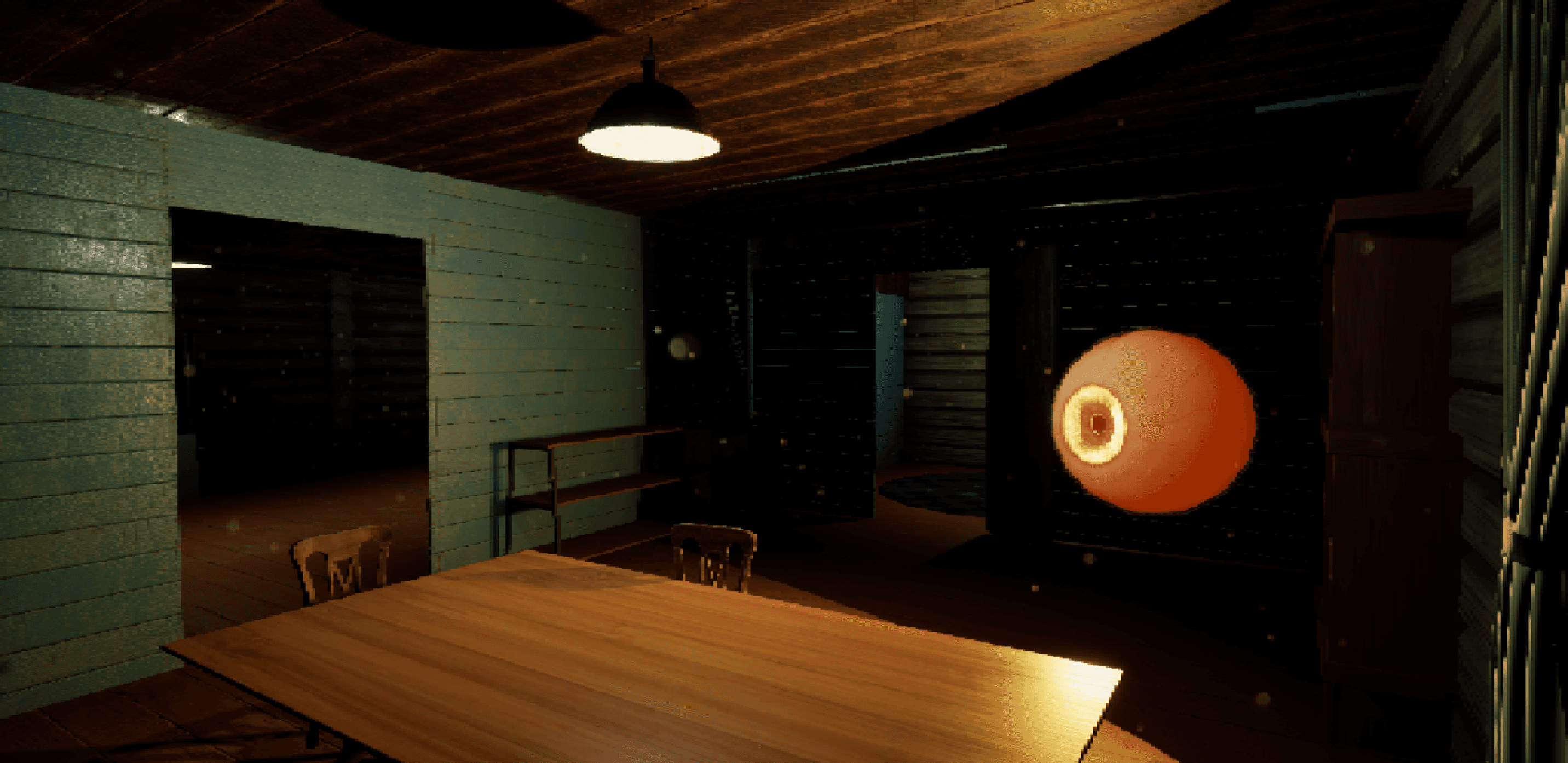
You find yourself in the space between life and death having been reeled in by “The Fisherman” You are placed in the cooler, a metaphysical holding space for souls to await arrival at the afterlife. In your attempts to escape you must hide and sneak your ways through patrolling eye monsters.
My Role
End of the Line was a solo project. I came up with the concept and developed it into a demo as a part of a course for university. Apart from from most of the 3D models and sound effects used in the project I was responsible for designing, creating, and implementing everything in the game.
The Demo
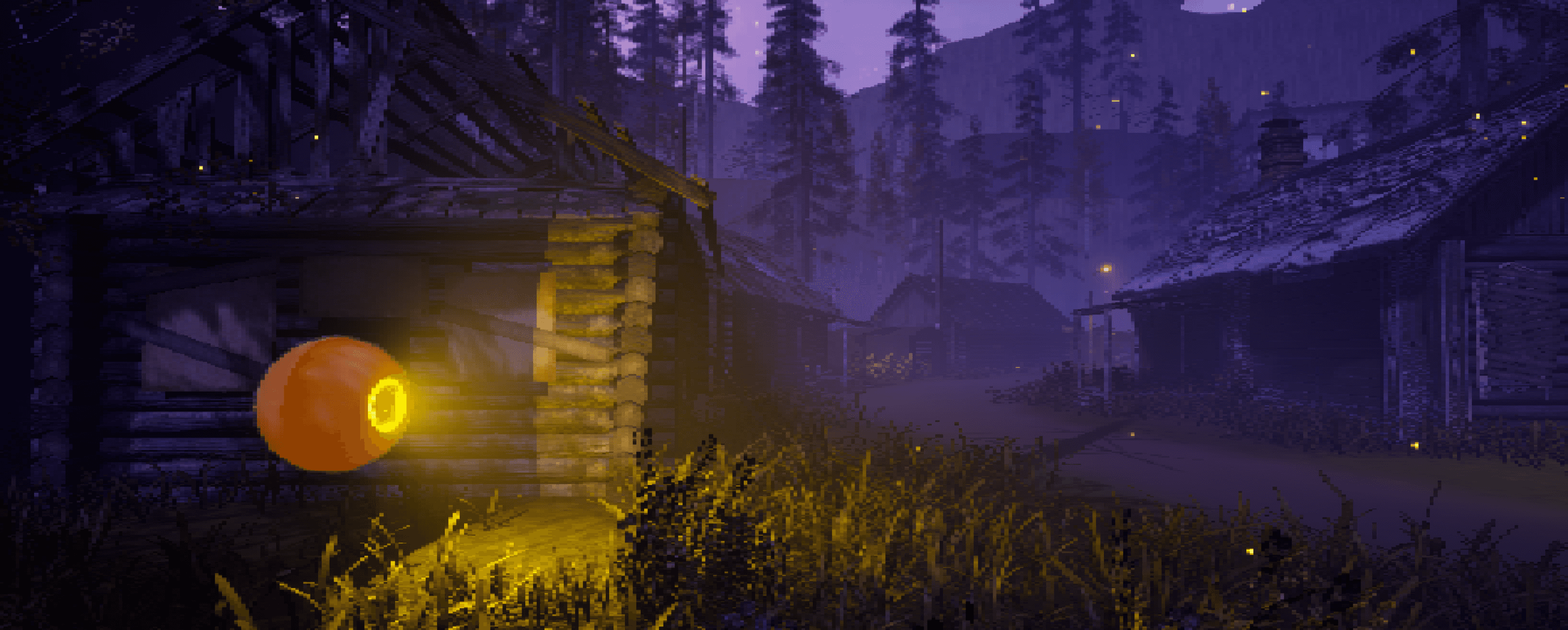
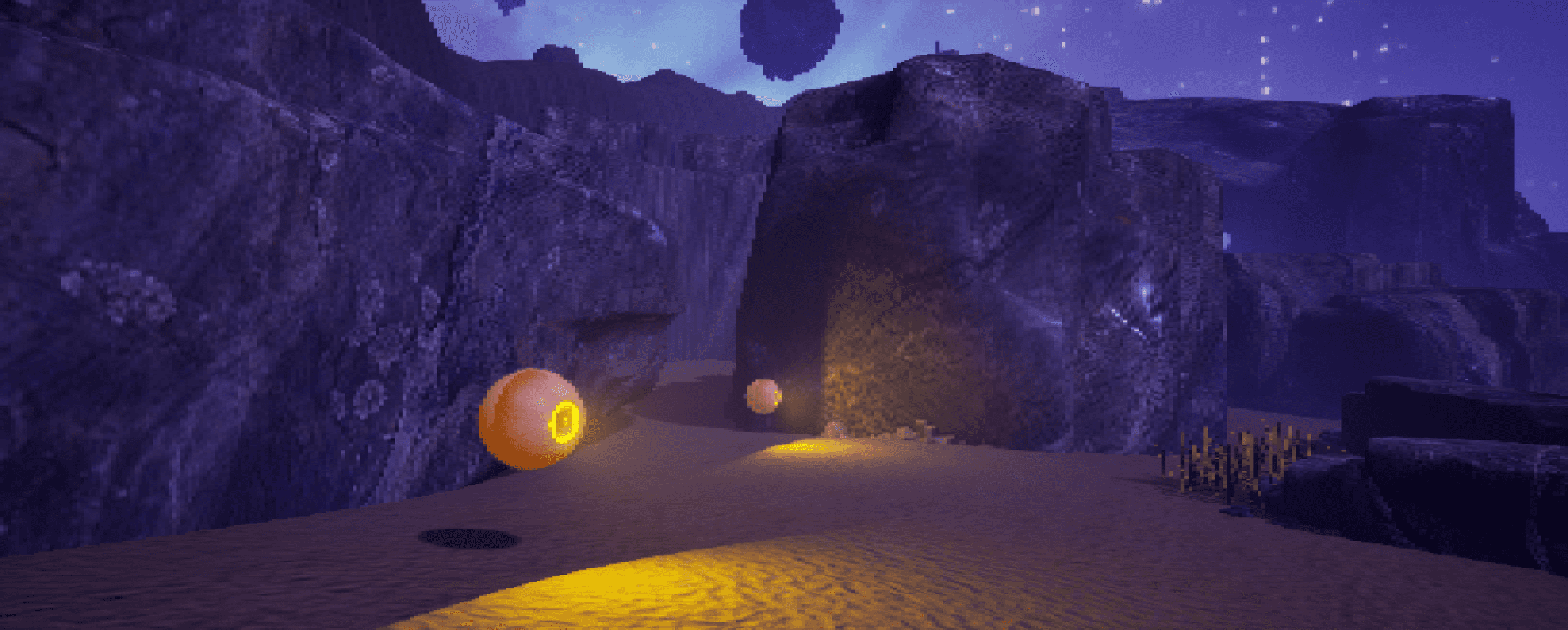
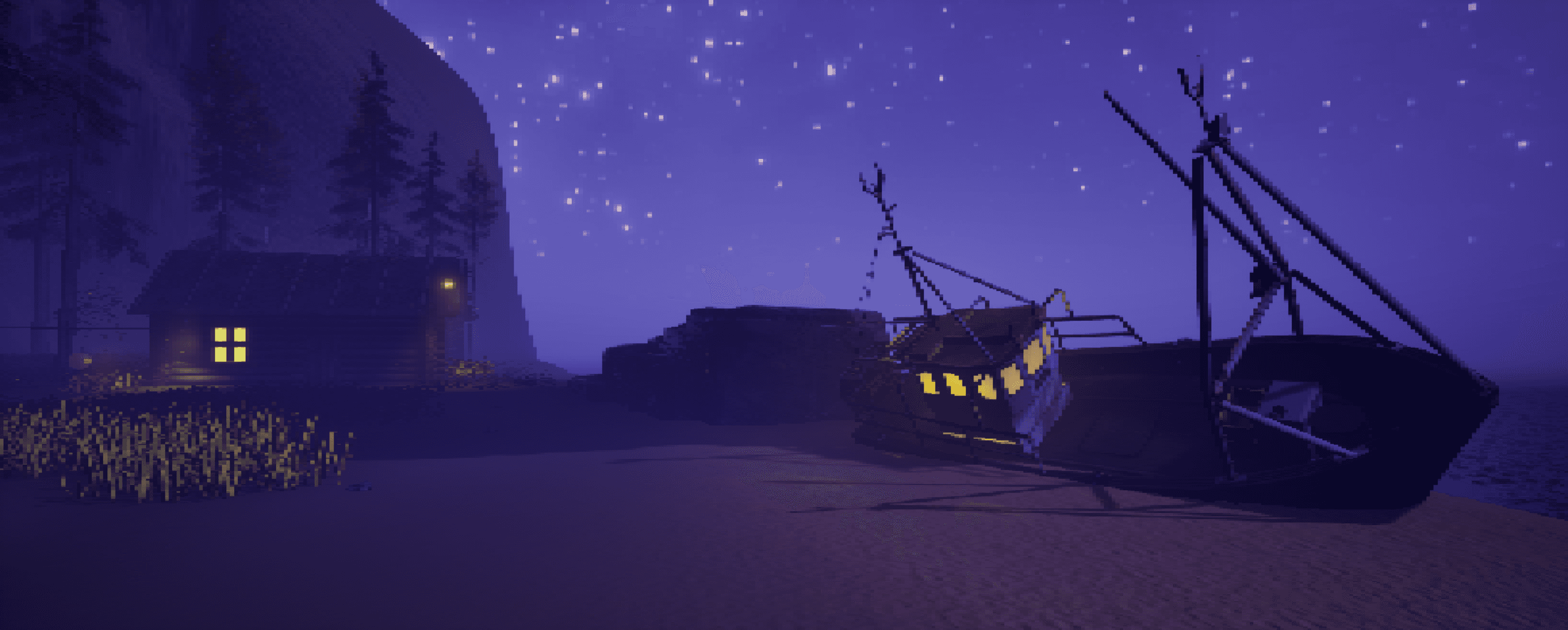
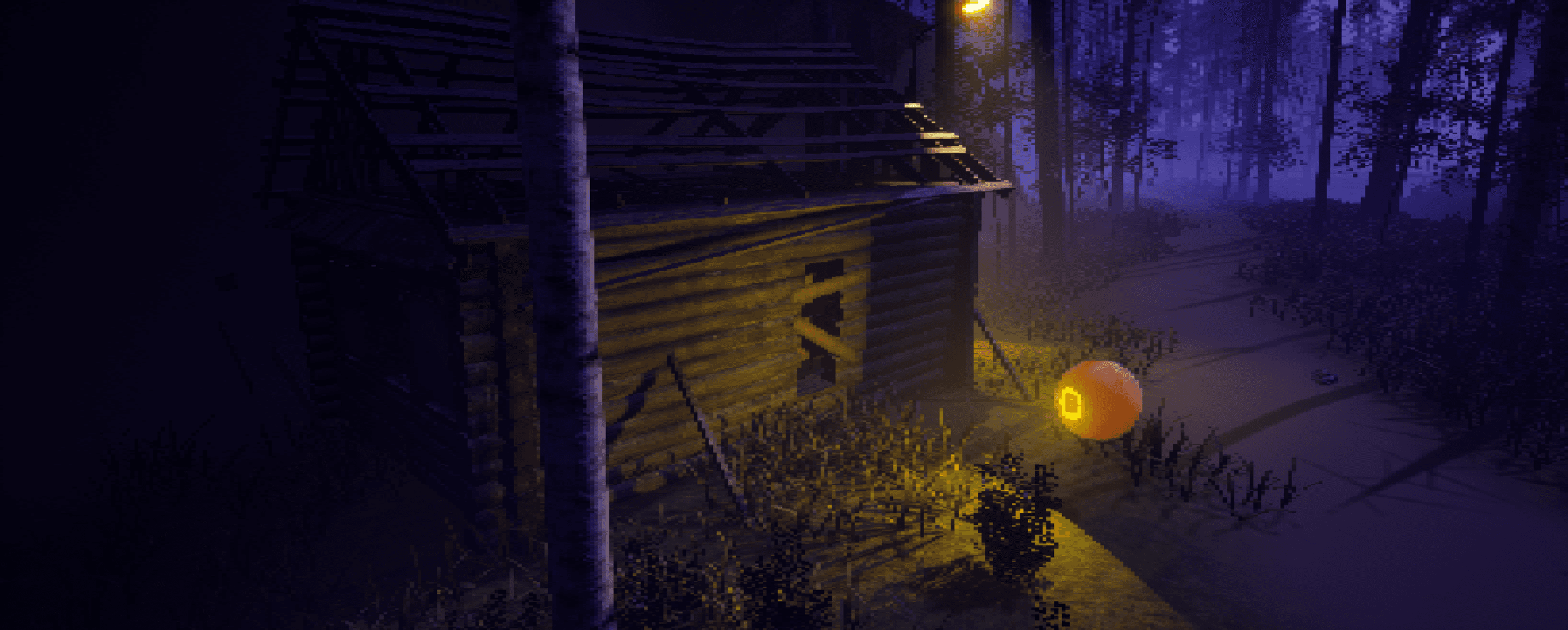
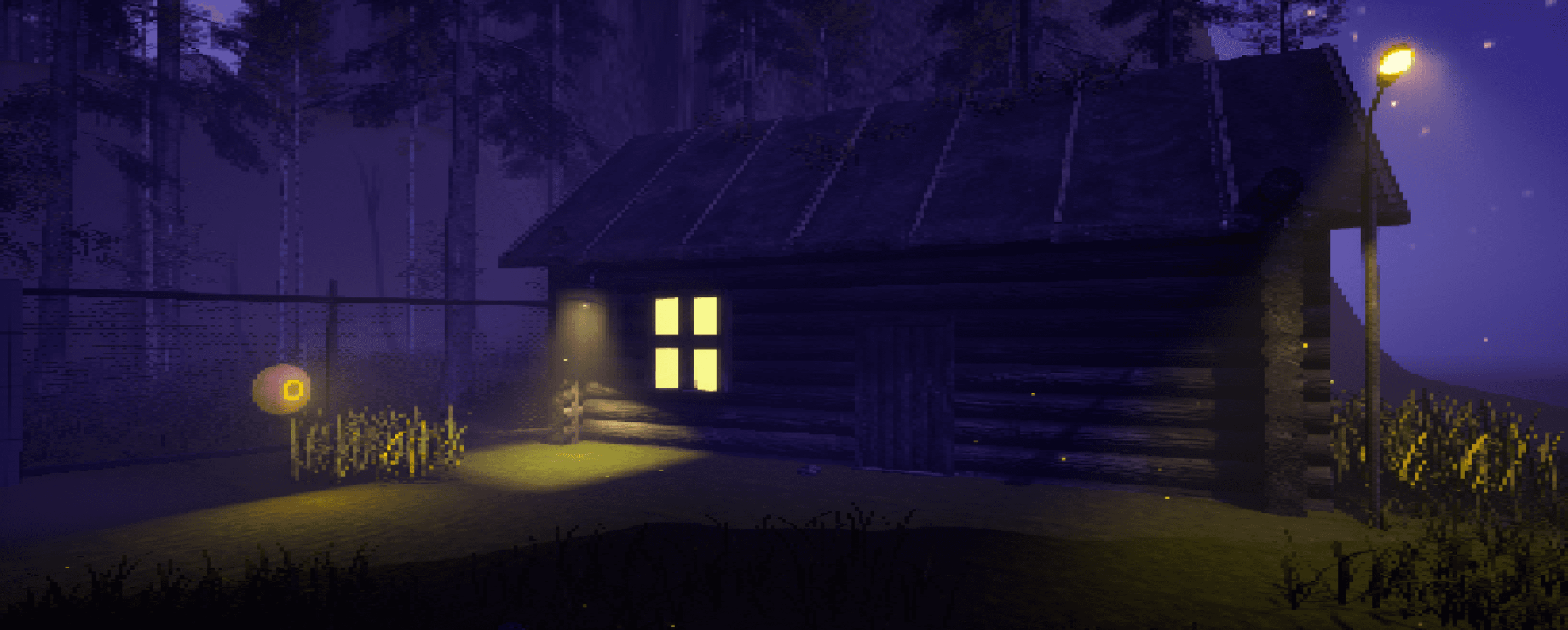
The game was concepted to have 5 levels, each representing one of the stages of grief. The demo covers the first stage: denial. Through this level the player must avoid and hide from enemies while trying to find a way to escape the island you are trapped on. The level culminates in a final escape sequence where a massive eye threatens the player with waves of energy that, if hit, will reset the player to their last checkpoint. They must navigate their way through floating rubble and make it back to the boat.
Click image to explore
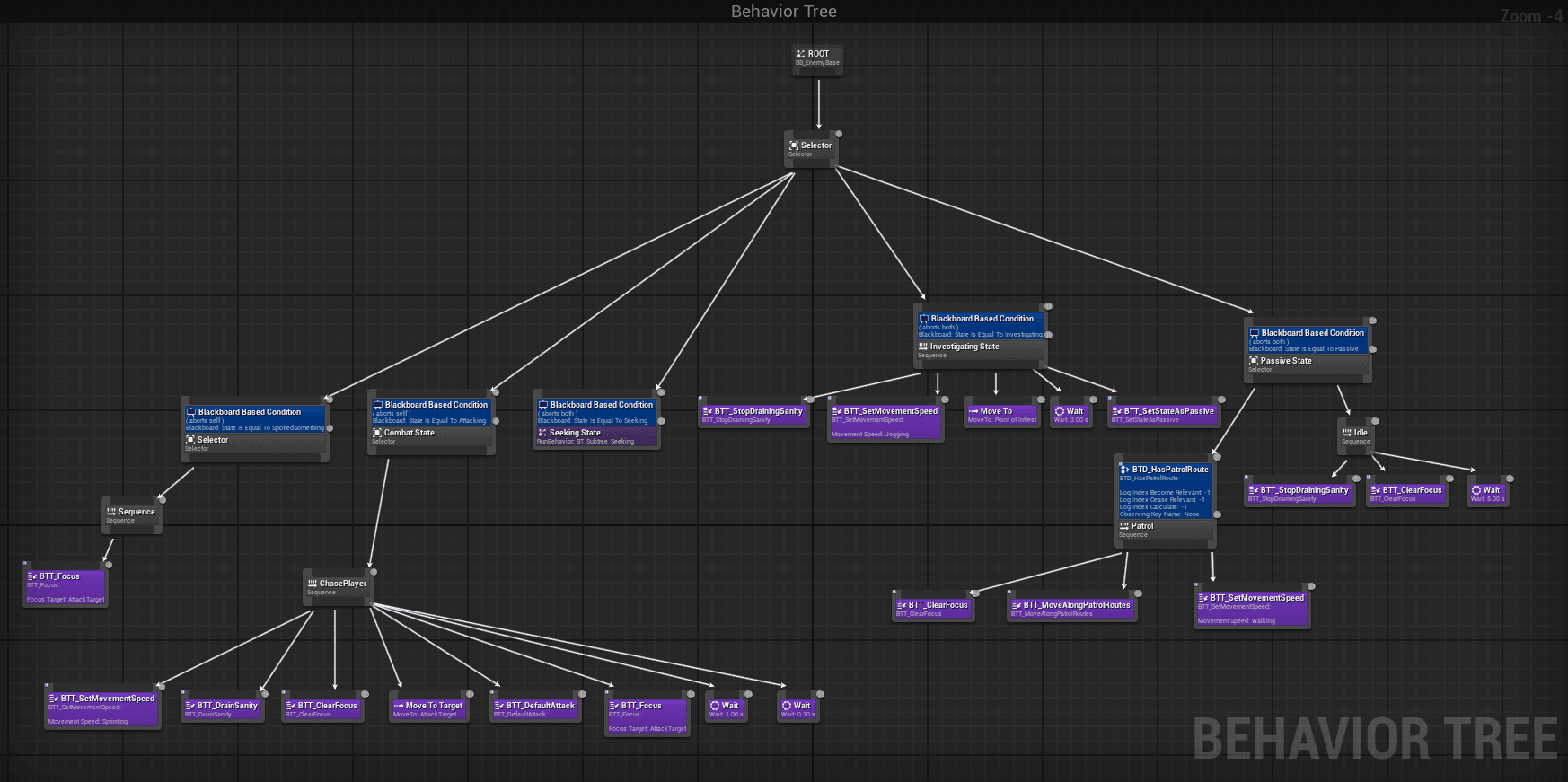
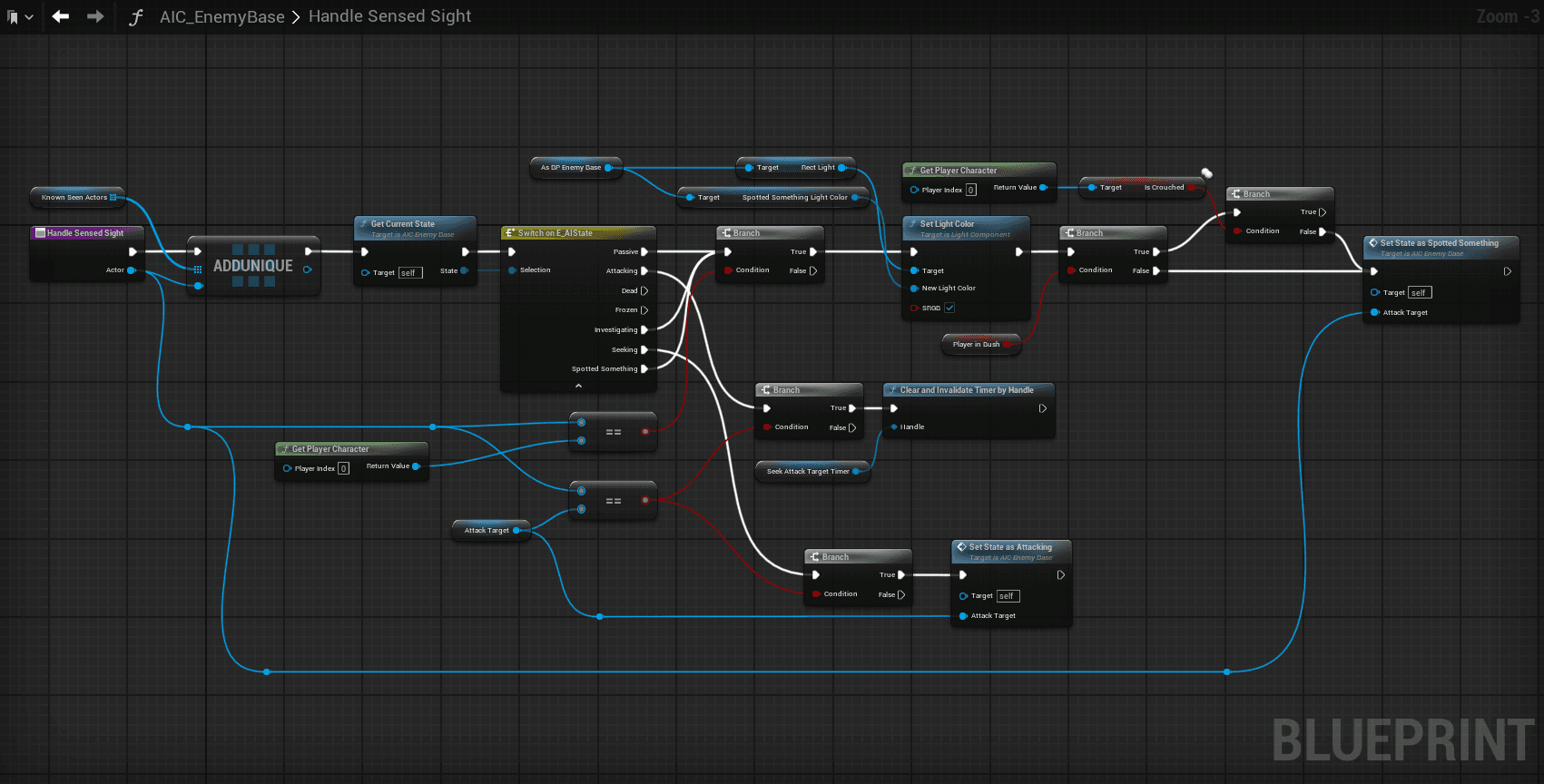
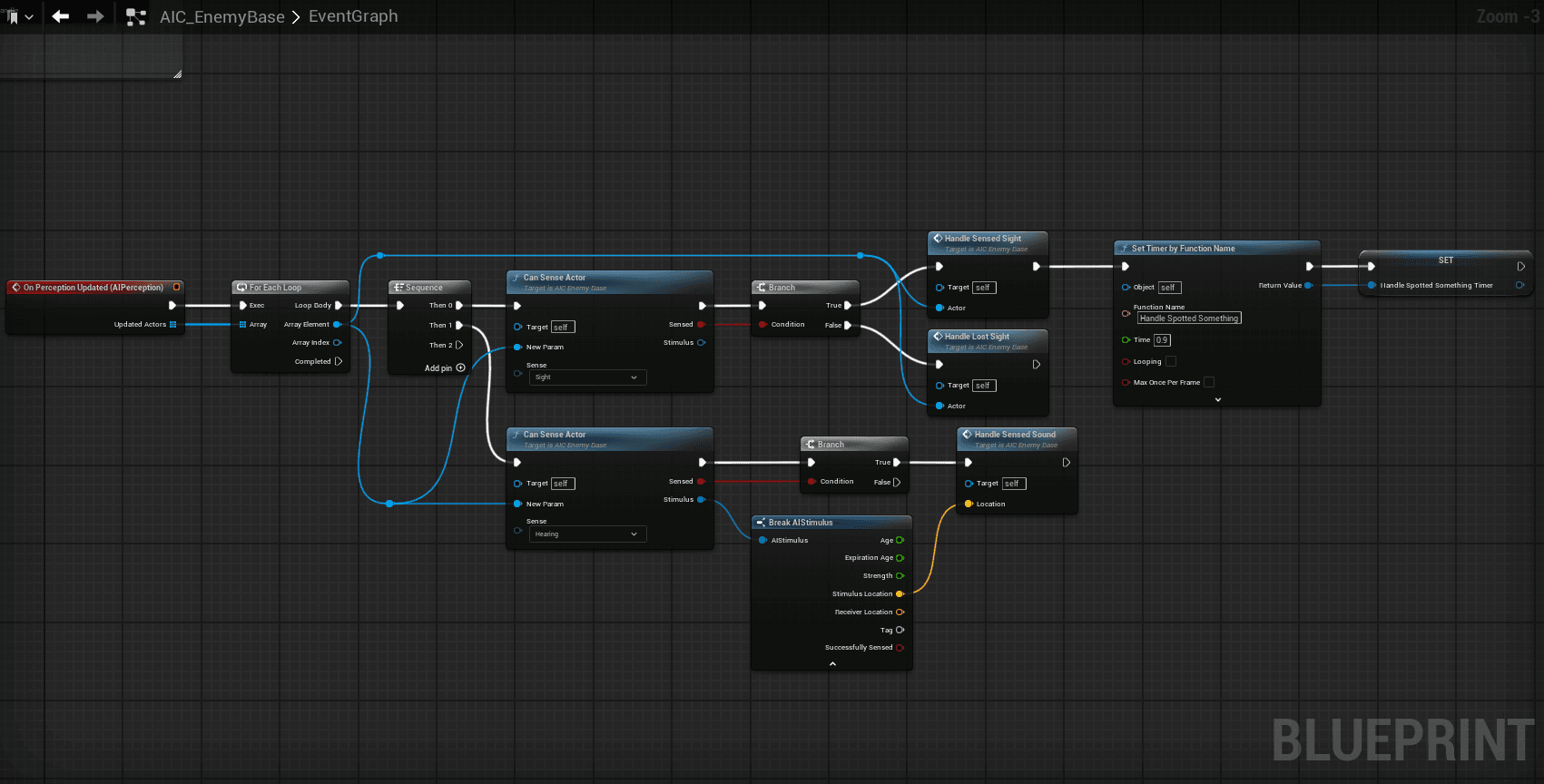
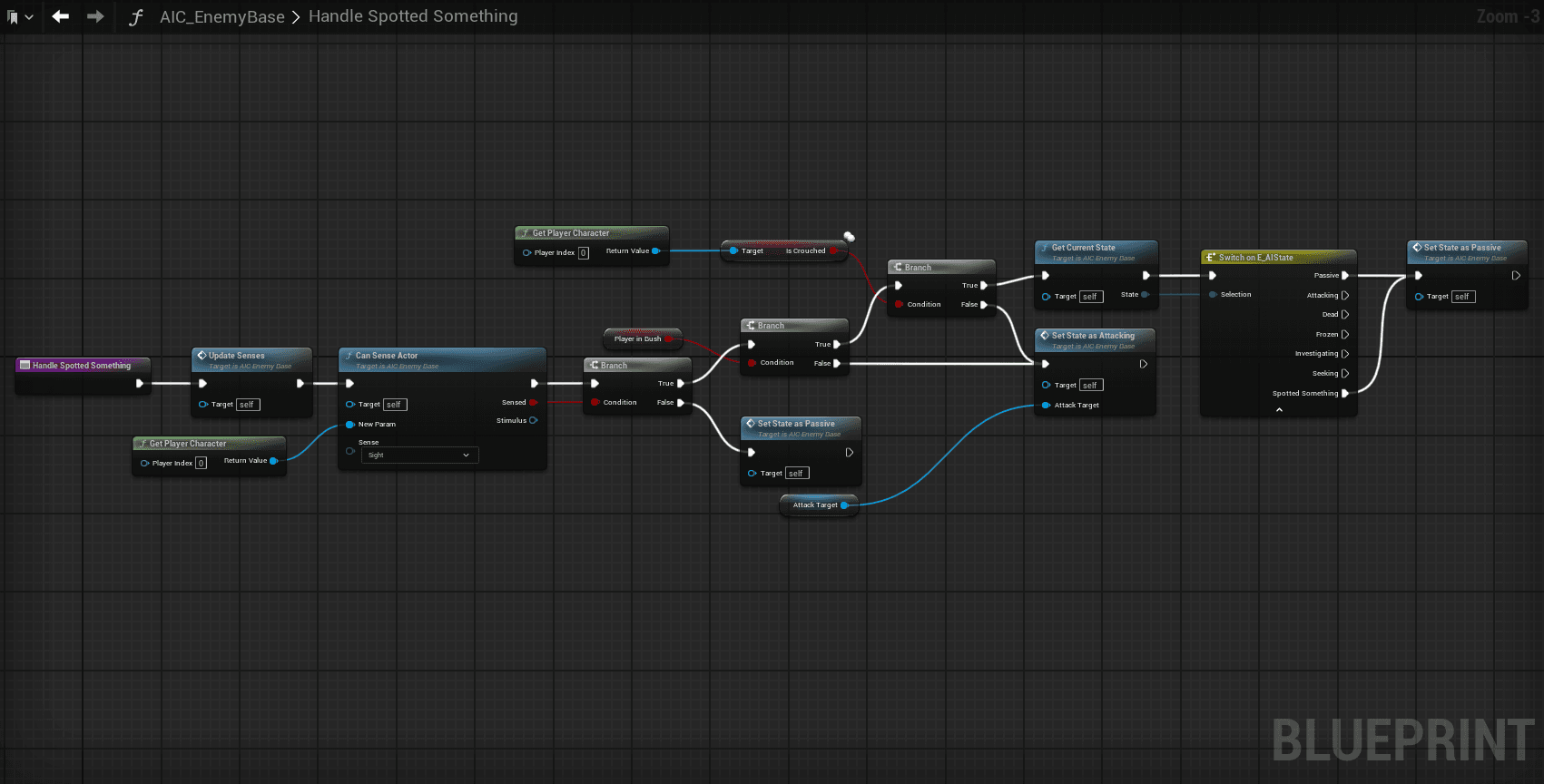
The AI functions off of states that exist within an Enum. Using their senses to determine what state they should be in. When they spot a player they go into the spotted state where they look at the place that they spotted the player, after half a second, the AI checks if they can still see the player, if they can't, they go back to their idle/patrolling state. If they can, they will go into the attacking state where they will chase the player and if they reach the player, the AI will attempt to hit them with an attack. If they lose sight of the player, they will go to where they last saw them and then the AI uses the environmental query system to look for the player by searching the terrain for places that it cannot see in a cone in front of it. The AI will then go to the nearest place they weren't able to see in an attempt to find them. This repeats a number of times until they give up and return to their idle/patrolling state.
Click image to explore
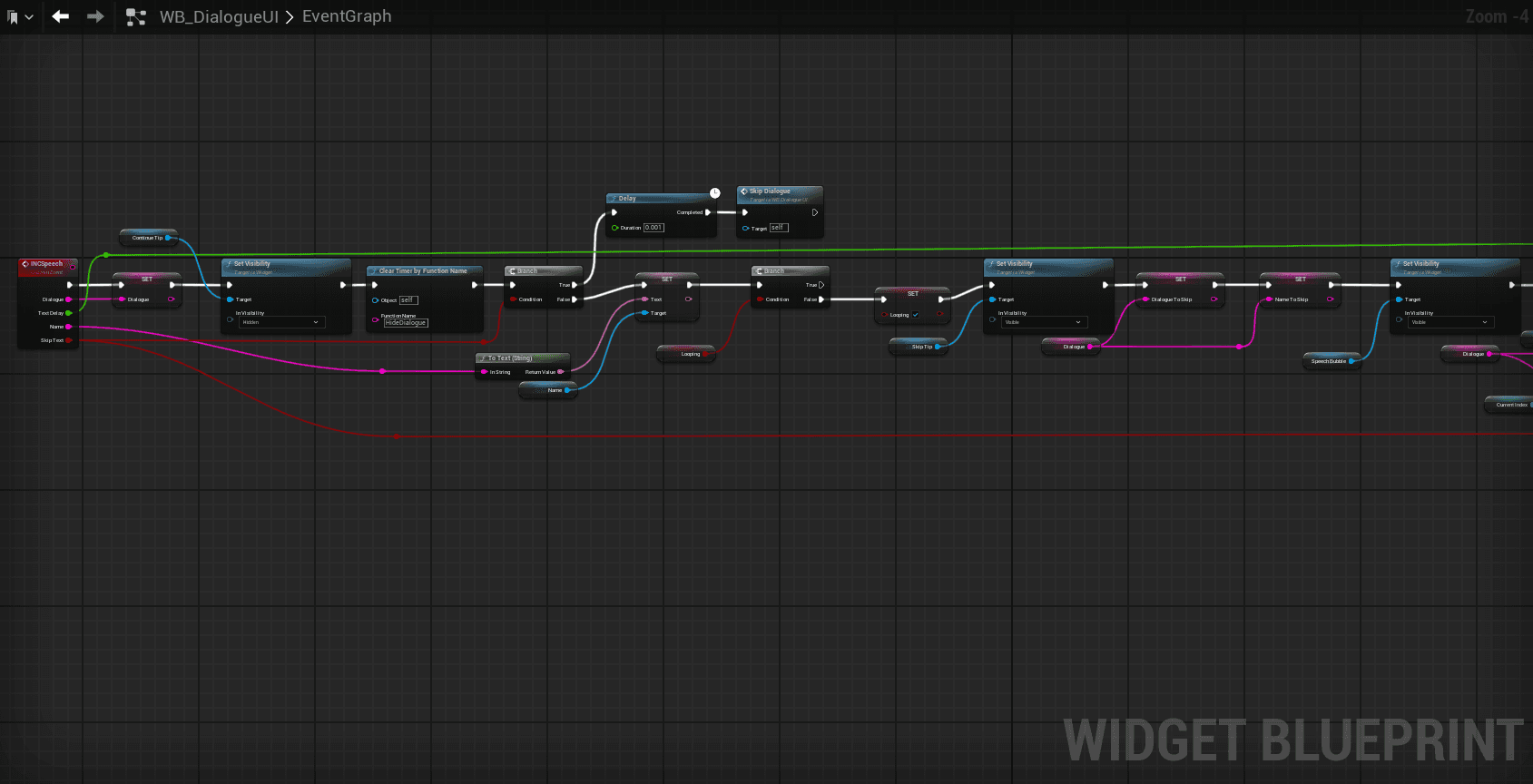
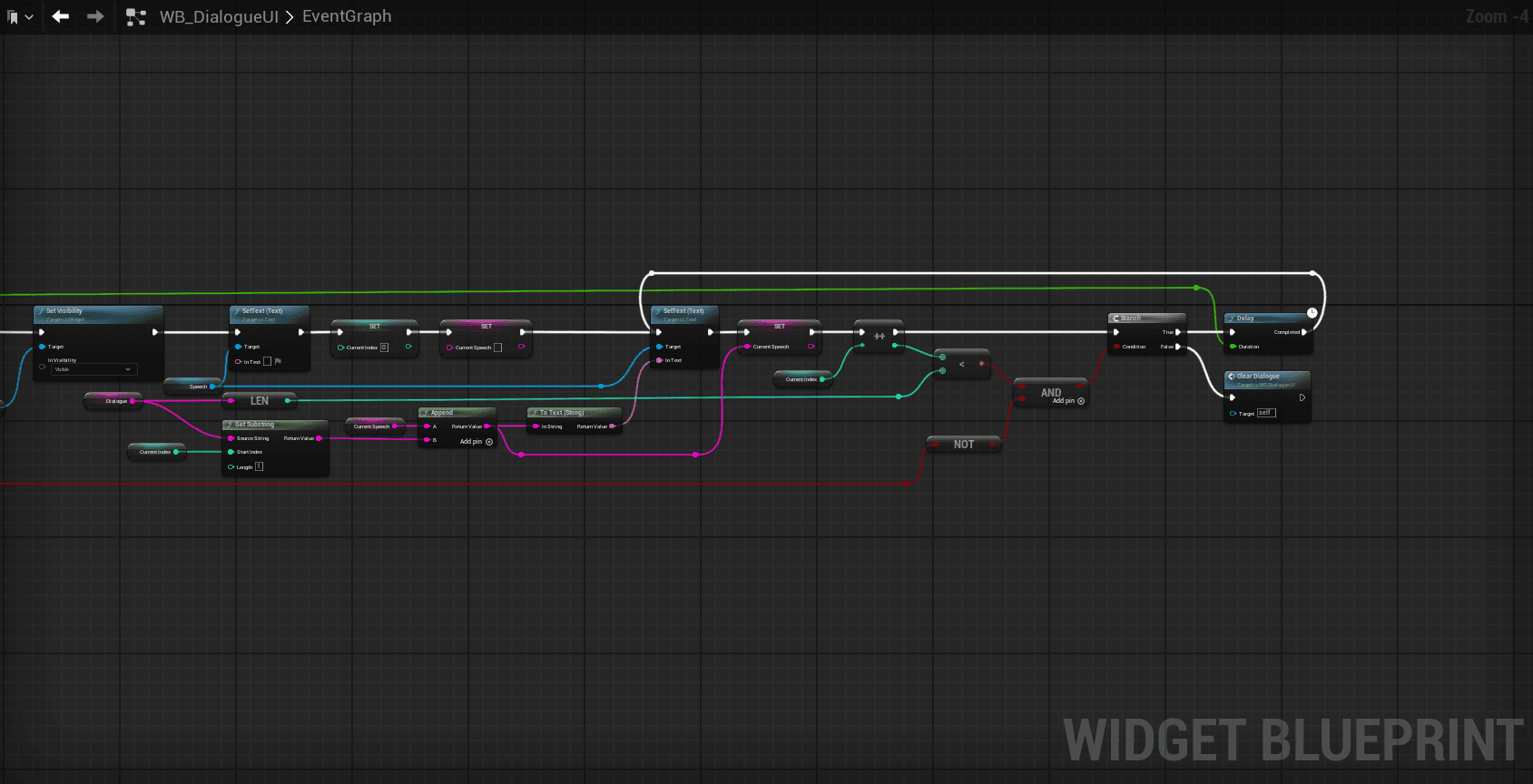
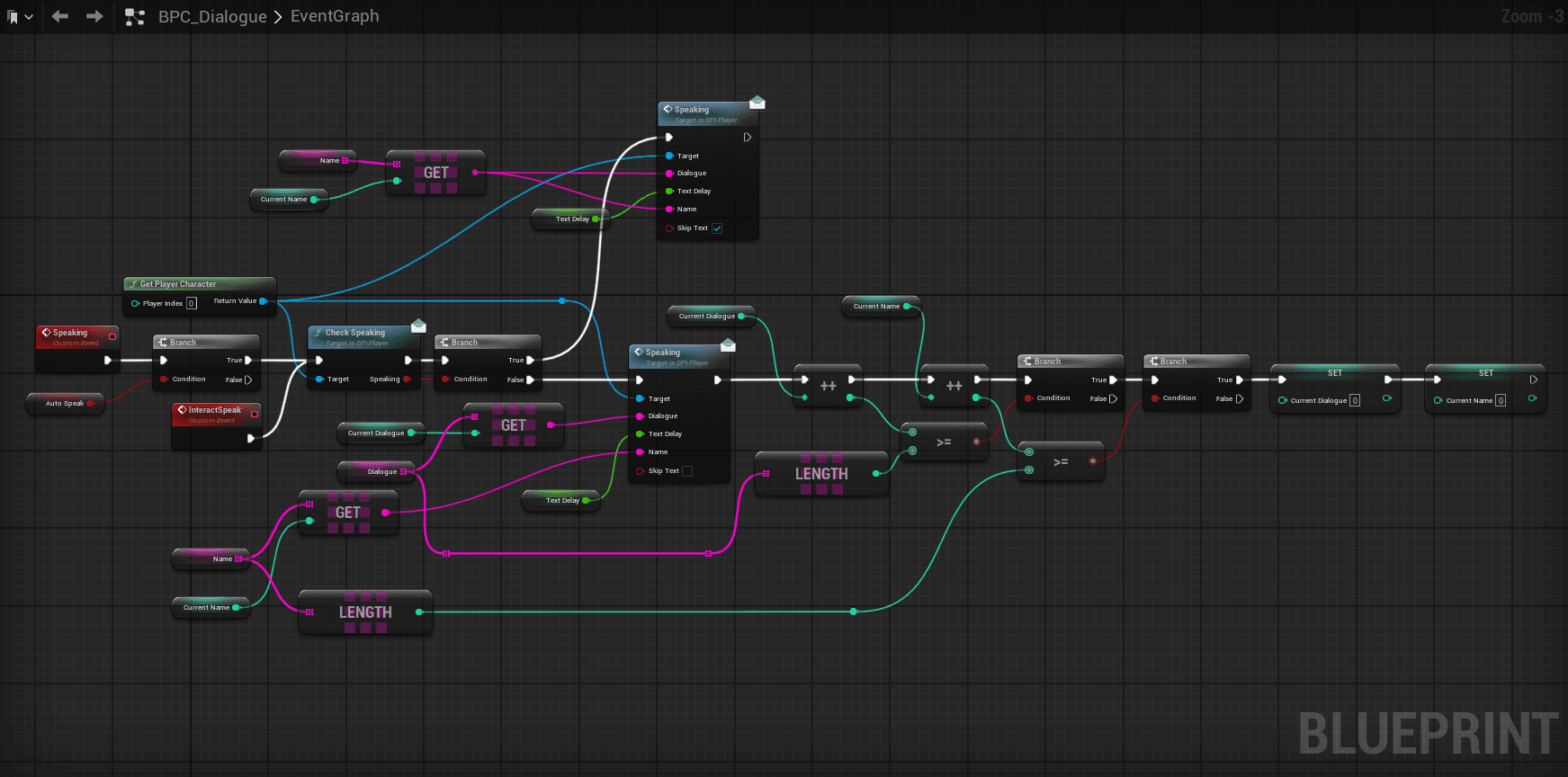
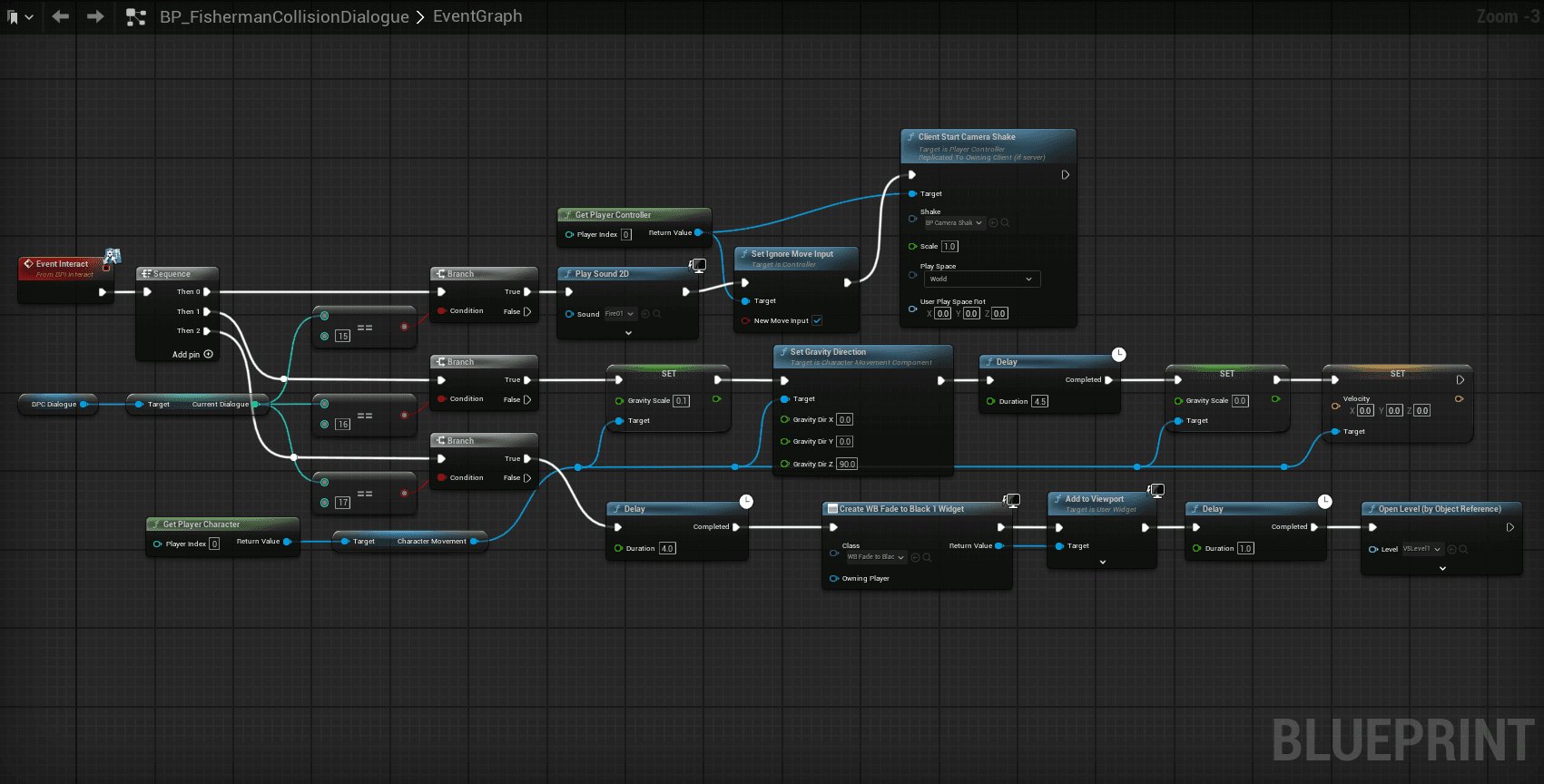
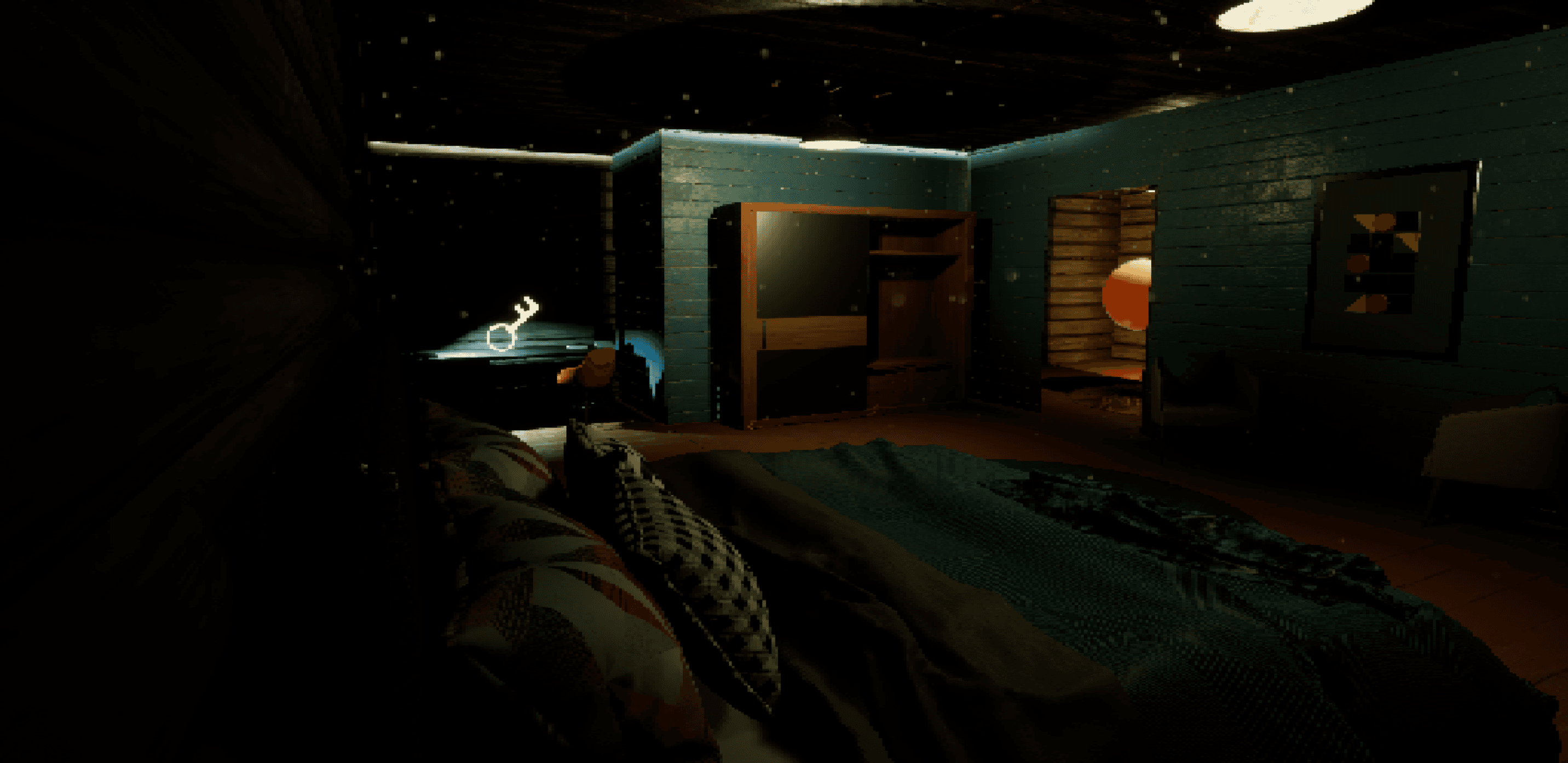
The dialogue code is centralized within a component and a widget. The component is able to be added to any interactable actor in order to give it dialogue. To add the dialogue, you open the component in the details panel of the object in the viewport. From there you can add lines of dialogue to an array where each string becomes one frame of dialogue. The information from that array then gets sent to the widget where it gets the length of the string then takes the first letter of the string and does a loop for the length to add one letter at a time. The speed of the updating is also able to be set with a variable to change the speed that text shows up. While it is looping and making text appear, it also changes the visibility of the "Skip" pop up. This prompts the player to automatically finish the loop and have the final text appear. Once the loop is finish it switches to prompt the player to continue to the next line.